Hurema
Home Sign In Book Demo
Location Tracking Device

Keep Track of Vehicles, Equipment and Assets

View the location and movement of vehicles, equipment and other assets through a GPS tracking dashboard.

  • View current locations and movement
  • Set geofence zones and receive alerts
  • Review trip and route history
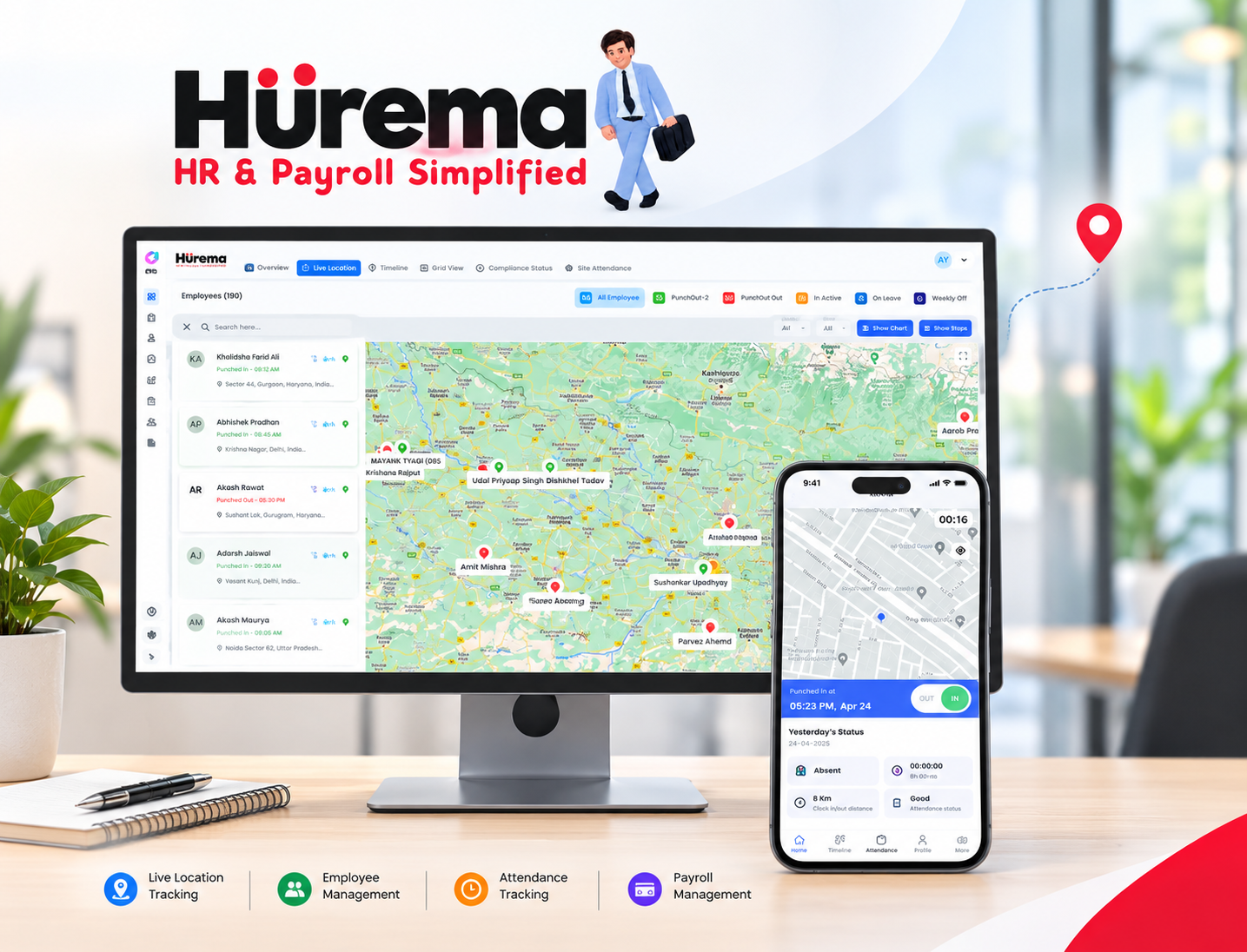
Employee location tracking dashboard
96% visibility coverage
4.8x faster coordination
30% less idle time
24/7 live operational updates
Smart Tracking Technology

What Is a Location Tracking Device?

A location tracking device uses GPS to report the position and movement of vehicles, equipment, other assets or mobile teams. It records location points and routes so you can review activity from a central dashboard.

Real-Time Visibility

See where your vehicles and assets are

Check the latest reported location of vehicles, assets or equipment in one dashboard. Review how long an asset remains at a site and use that information to coordinate day-to-day operations.

  • Follow reported movement across locations
  • Review time spent at sites and routes taken
  • Use location updates to coordinate work
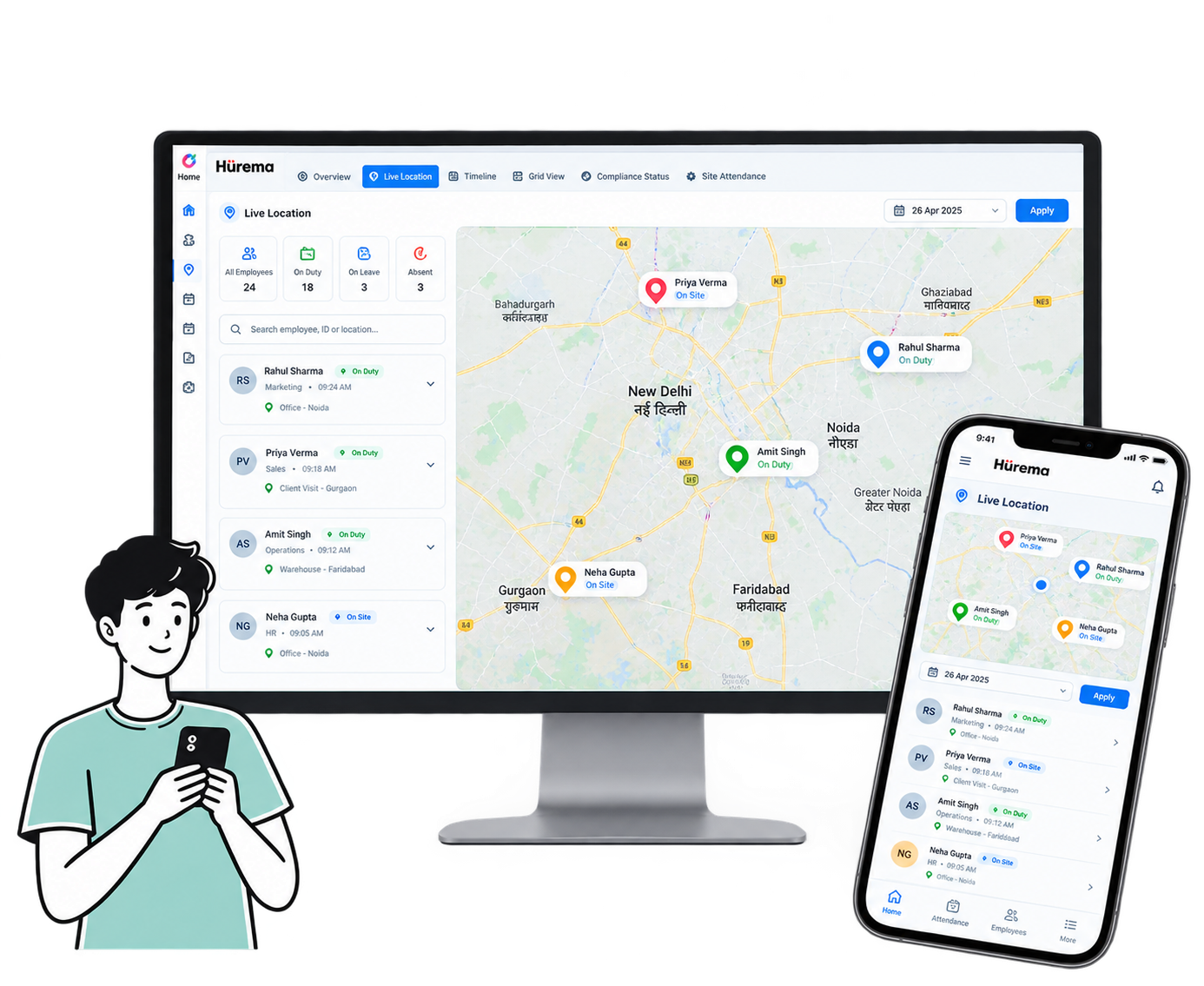
Real time employee location tracking
Smarter Travel & Route Tracking

Keep trip and distance records in one place

Manual mileage notes and estimated routes can be difficult to verify. Use location records to review journeys and distances, reducing the need to gather trip details by hand.

  • Review recorded trip distances and logs
  • Check routes taken during field work
  • Make trip reporting easier to review
Distance calculation and conveyance claims overview
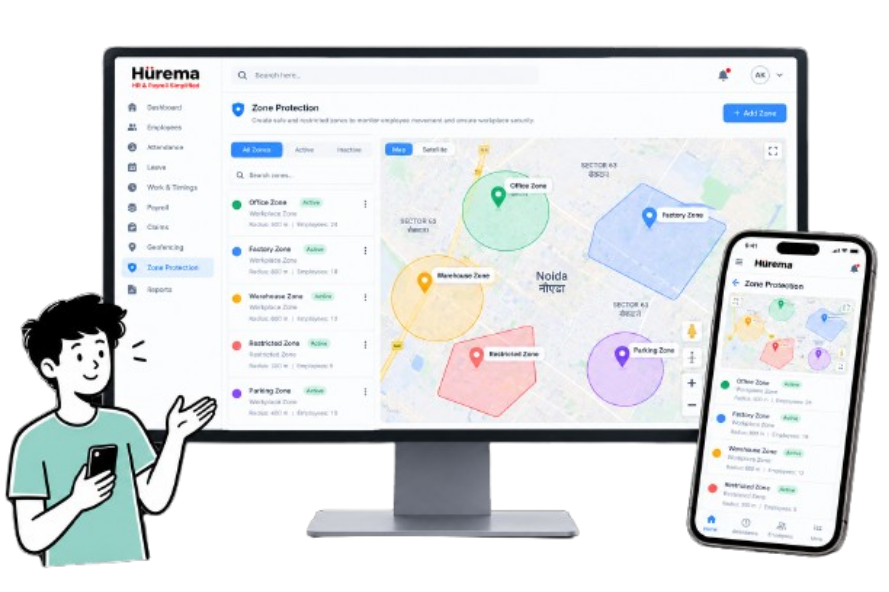
Zone Protection

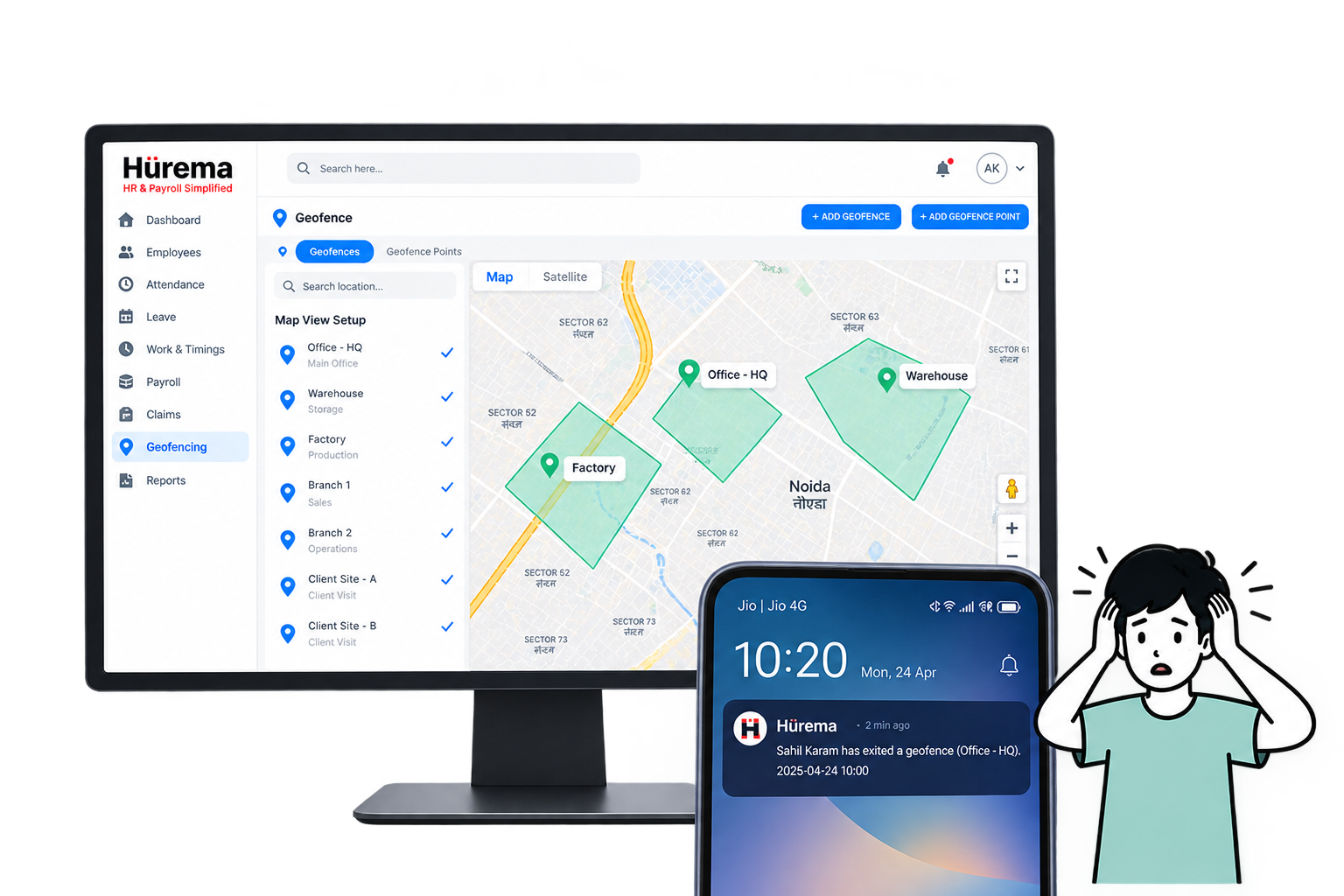
Get an alert when an asset moves beyond a set zone

Create geofenced areas around worksites or delivery zones and receive a notification when a tracked vehicle or device crosses the boundary.

  • Define geofence boundaries for sites and routes
  • Receive alerts about movement outside a zone
  • Review location activity against your operating rules
Assigned area location monitoring
How It Works

How location tracking works in four steps

01

The device records its location

The tracking device uses GPS signals to determine its coordinates.

02

Location data is transmitted

The device sends tracking information through an available wireless network.

03

Review activity in the dashboard

Use the web or mobile dashboard to view location updates, routes and movement history.

04

Respond to updates

Check asset status, configure alerts and follow up when movement does not match your expectations.

Core Capabilities

Tools for day-to-day location tracking

Location updates

Check reported positions of vehicles, assets and field equipment in the tracking dashboard.

Geofences and boundary alerts

Set virtual boundaries and receive alerts when an asset enters or leaves a designated area.

Location and route history

Review recorded trips, stops, routes and durations when you need to check past activity.

Movement and speed alerts

Receive notifications about configured movement, stop or speed events.

Mobile dashboard access

Open the tracking dashboard from a smartphone, tablet or computer.

Compact device setup

The device is designed for installation in a range of vehicles and equipment.

Clear Advantages

How location tracking can help your team

More visibility

Check the latest reported position of a vehicle, machine or asset instead of relying only on phone updates.

Review movement

Compare recorded routes with planned travel and review how operational resources are being used.

Support asset security

Use alerts to follow up on vehicle or asset movement outside expected hours or routes.

Review routes

Use route history to identify repeat journeys and discuss opportunities to reduce unnecessary travel.

Remote access

View tracking information from a phone or computer when you are away from the asset.

Plan with location history

Review past location records when planning schedules and assigning resources.

Versatile Applications

Where location tracking can be used

Fleet & Logistics

Follow commercial vehicles, delivery fleets and transport trucks, and review routes and delivery progress.

Construction Equipment

Track heavy machinery, tools and site equipment used across active project locations.

Field Operations

Review location records for mobile service technicians, sales representatives and maintenance teams.

Rental & Personal Vehicles

Track rental fleets, company cars or personal vehicles and review their reported locations.

The Hurema Advantage

Practical ways to use location data

Check asset location View the latest reported position of a tracked vehicle or asset.
Review movement Check recorded routes, stops and speed information.
Keep trip records Look back at trip history and logs when you need to verify activity.
Plan resources Use location information when reviewing resource use and deployment.
Clear Impact

Location tracking compared with manual checks

Without Location Tracking

  • Little visibility into current asset locations
  • Movement updates may be delayed
  • Staff rely on calls for check-ins
  • Limited records of routes and past trips

With Location Tracking

  • View reported locations from a dashboard
  • Review recorded movement and route logs
  • Reduce the need for routine check-in calls
  • Keep trip history available for review
Frequently Asked Questions

Location tracking questions, answered

What is a location tracking device?

A location tracking device uses GPS and a wireless connection to send position information for vehicles, assets or mobile workers to a monitoring dashboard.

How does GPS tracking work?

The device receives signals from GPS satellites to calculate its coordinates, then sends the information over a cellular or other supported wireless network to the dashboard.

What can I track with the device?

You can use tracking for commercial vehicles, delivery fleets, field equipment, construction machinery, company assets and mobile teams.

Can I monitor vehicle movement and route history?

Yes. The platform shows movement updates and trip history, including recorded routes, stops and travel timelines.

Does the device require a network connection?

Yes. A cellular network connection is required to send location updates to the web or mobile dashboard.

Operational Clarity

See location activity without adding extra steps to daily operations

Hurema helps teams review asset locations and coordinate movement across field operations.

1 View for all location activity
100% automated route logs
Zero manual location chasing